


Türkiye’de canlı bahis kategorisi son beş yılda iki kat büyümüştür, bettilt giriş bu kategoride güçlü içerik sunar.
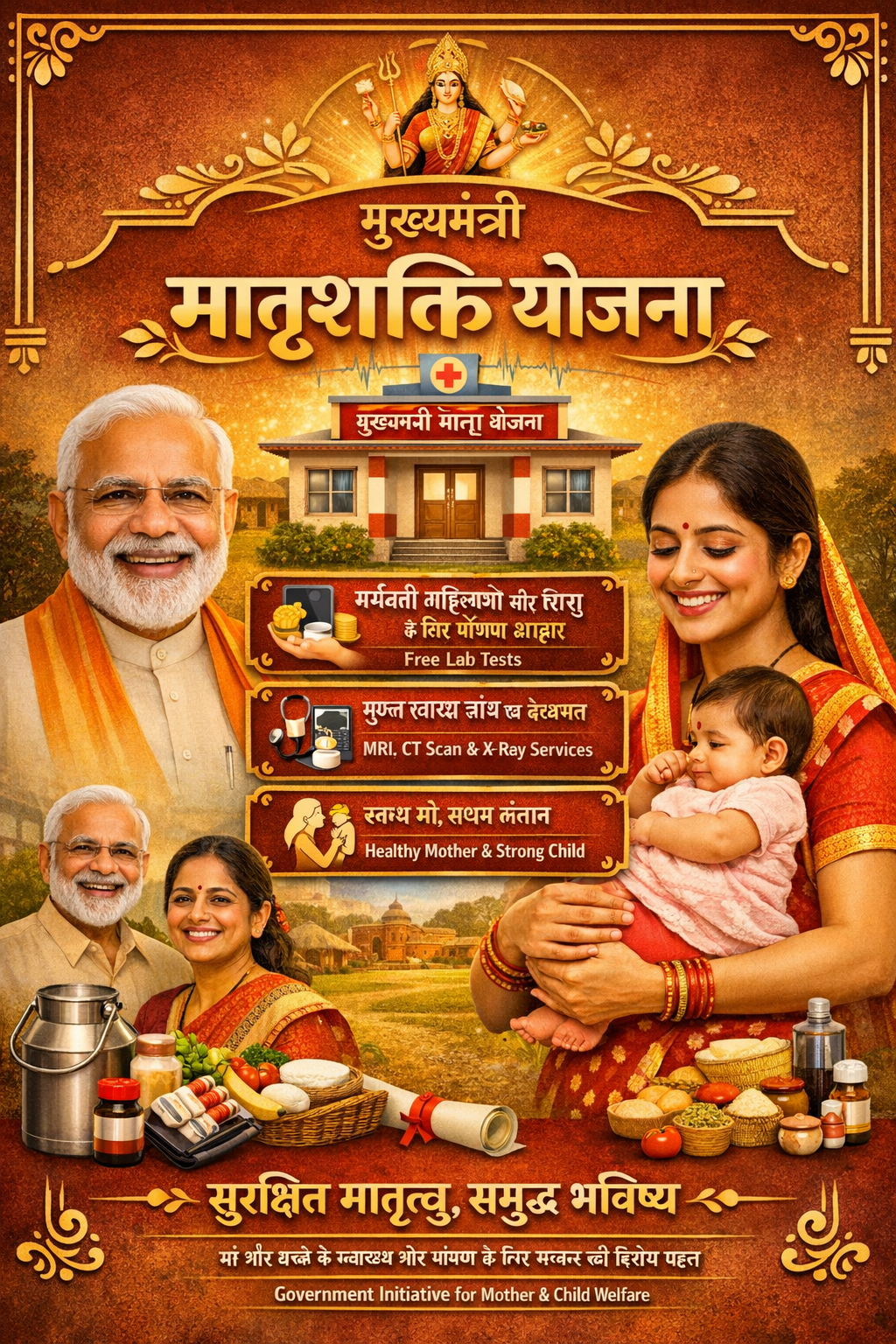
The “Mukhyamantri Matrushakti Yojana (MMY)” launched in 2022 by the Women and Child Development Department, Gujarat, focuses on improving the health and nutrition of pregnant women and mothers with children under 2 years. The scheme offers a nutritional kit containing groundnut oil, tuver dal, and chana to support calorie and protein needs. The initiative addresses the critical first 1000 days of life, aiming to enhance maternal and child health, reduce infant mortality, and prevent low birth weight.
Benefits
Commodities: The nutrition kit includes 1 Litre of Groundnut oil, 1 Kg Tuver Dal, & 2 Kg Chana.
Eligibility
- The applicant must be a resident of Gujarat.
- The applicant must be a woman who is conceiving for the first time.
- The applicant must be a mother with her first child who is under the age of 2 years.
Application Process
Online: https://1000d.gujarat.gov.in/
- Step 1: Open the registration portal and select the “Self Enrollment” option under “Services” tab.
- Step 2: Fill in the beneficiary’s details, including Aadhaar card number, name in English, date of birth, and beneficiary’s affidavit.
- Step 3: Validate the Aadhaar by clicking on the “Validate Aadhaar” button.
- Step 4: The beneficiary’s ration card ID (NFSA number) and name will be displayed automatically.
- Step 5: If the Anganwadi name is not visible in the list, manually select the appropriate Anganwadi.
- Step 6: The name of the Anganwadi worker will be displayed automatically.
- Step 7: Enter the mobile number you wish to use for registration and click on the “SEND OTP” button.
- Step 8: Enter the 4-digit OTP sent to the registered mobile number in the online form.
- Step 9: After entering the OTP, click on the “Save & Next” button to proceed.
- Step 10: A message will appear saying, “After your general information, add your health-related information and submit the form.” Click “OK.”
- Step 11: Enter the ID number or email address provided by the health center and click the “Search” button.
- Step 12: The beneficiary’s name, status, P.A.C. center name, last month’s status, and probable start date will auto-fill.
- Step 13: Click on the “Confirm and Submit” button to complete the registration process.
- Step 14: After submitting, click on the “Print Application” button to take a printout of the registration.
- Step 15: If corrections are needed, click on “Edit Enrollment,” enter the Enrollment Number, Aadhaar Card Number, or Mobile Number, and click “Edit.”
- Step 16: If needed, click on “Print Enrollment,” enter the registration number, Aadhaar card number, or mobile number, click “Verify,” and enter the OTP.
Documents Required
- Aadhaar number.
- Proof of pregnancy or first childbirth.
- Any other document (if required).
Mukhyamantri Nahri Kendra
Disclaimer
Hamara Neta is an independent, private application developed and maintained by HANSA AI TECHNOLOGIES. This app does NOT represent any government entity and is NOT affiliated with, endorsed by, or connected to any government body. Official government services should be accessed directly through their respective government portals.